Guide to Using AGENTS.md and README.md
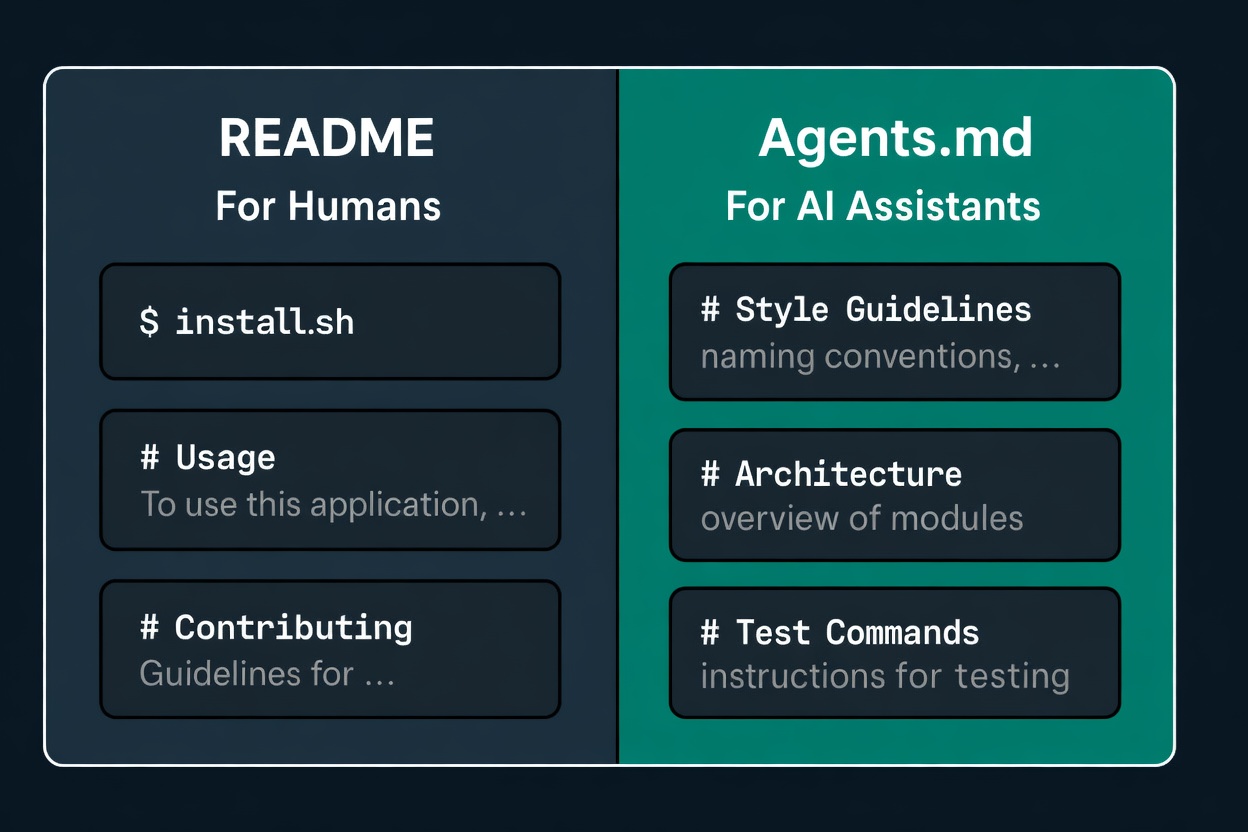
When using coding agents such as Claude Code or Codex, we often run into this question: how can we help AI quickly understand a relatively complex project and start making changes?
This can actually be split into two parts:
- Help AI understand the project
- Help AI know how to modify it
Understand the project
To help AI understand a project faster, the most effective approach I have found so far is to divide documentation into three levels:
- project root README.md
- sub-folder README.md
- project root docs/
project root README.md
The root README.md should serve as the entry point for the entire repository. It can include:
- Project overview
- Overall architecture diagram / main flow
- Repository structure
- Most commonly used commands
- Links to more detailed documentation
This README.md is meant for both humans and AI, so it can follow the team’s or individual’s preferences. I usually use a mix of Chinese and English.
sub-folder README.md
For directories that contain independent subsystem logic, we can place a separate README.md inside the directory to explain:
- What this subsystem is responsible for
- Where the entry files are
- What the key files do
- Which files common changes usually touch
If all of this content is piled into the project root README.md, the root README will quickly become bloated. Moving these explanations down into their respective directories keeps the root README lightweight.
The tradeoff is also obvious: when the directory structure or subsystem logic changes, the corresponding sub-folder README.md must be maintained as well.
At the same time, the README.md here is mainly for AI to read and maintain, so it is best to keep it aligned with the code and write it in plain English.
project root docs/
When a document spans multiple directories, or when it is a longer topic-specific explanation, it is more suitable to place it under the docs/ directory.
For example:
- Architecture documentation spanning multiple subsystems
- Production incident troubleshooting runbooks
- Architecture Decision Records (ADRs)
Modify the project
After solving the problem of “helping AI understand the project,” the next step is helping AI know how to modify it safely.
This is where another type of documentation is needed: an agent instruction file. For example, Codex uses AGENTS.md, while Claude Code uses CLAUDE.md. Next, we will use AGENTS.md as the example.
The distinction between AGENTS.md and README.md:
- README.md: what this project is, how to run it, and roughly how it is structured
- AGENTS.md: if someone is going to modify this repository now, where they should look first, what constraints they should follow, and what pitfalls they should avoid. In other words, an action guide.
AGENTS.md also has three levels:
- global AGENTS.md
- project root AGENTS.md
- sub-folder AGENTS.md
global AGENTS.md
General collaboration preferences that apply across repositories.
project root AGENTS.md
Cross-subsystem rules for this repo.
sub-folder AGENTS.md
Only include constraints unique to that directory; put behavioral explanations in README.md first, and only put process constraints in AGENTS.md.